234indicators, one engine ›

Every market,
one chart.

Roxom's own charting engine for stocks, crypto, FX and indexes. Priced in dollars, bitcoin or sats, and trading on your Roxom account.

14 days free · cancel any time · free with $20,000+ at Roxom

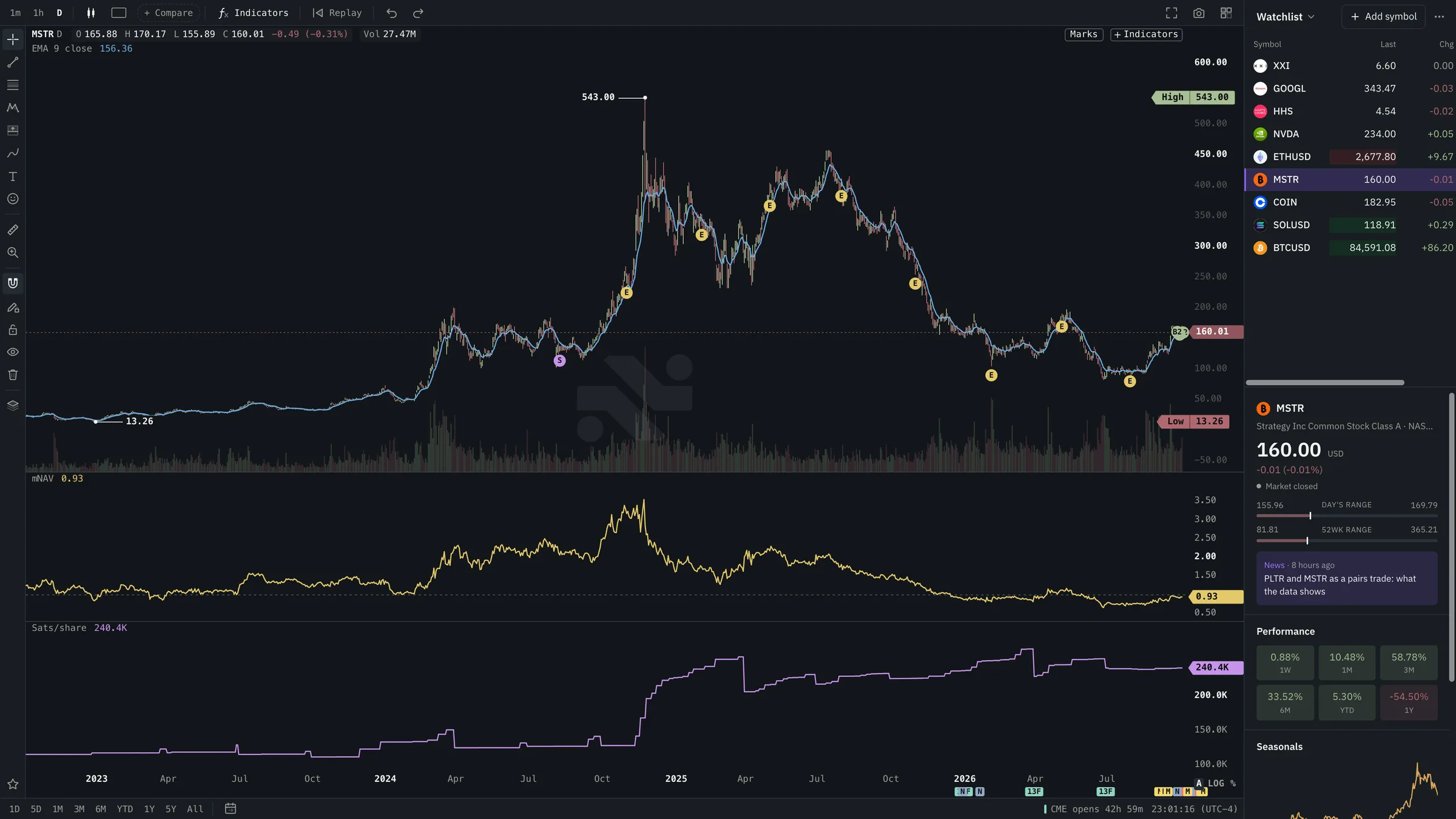
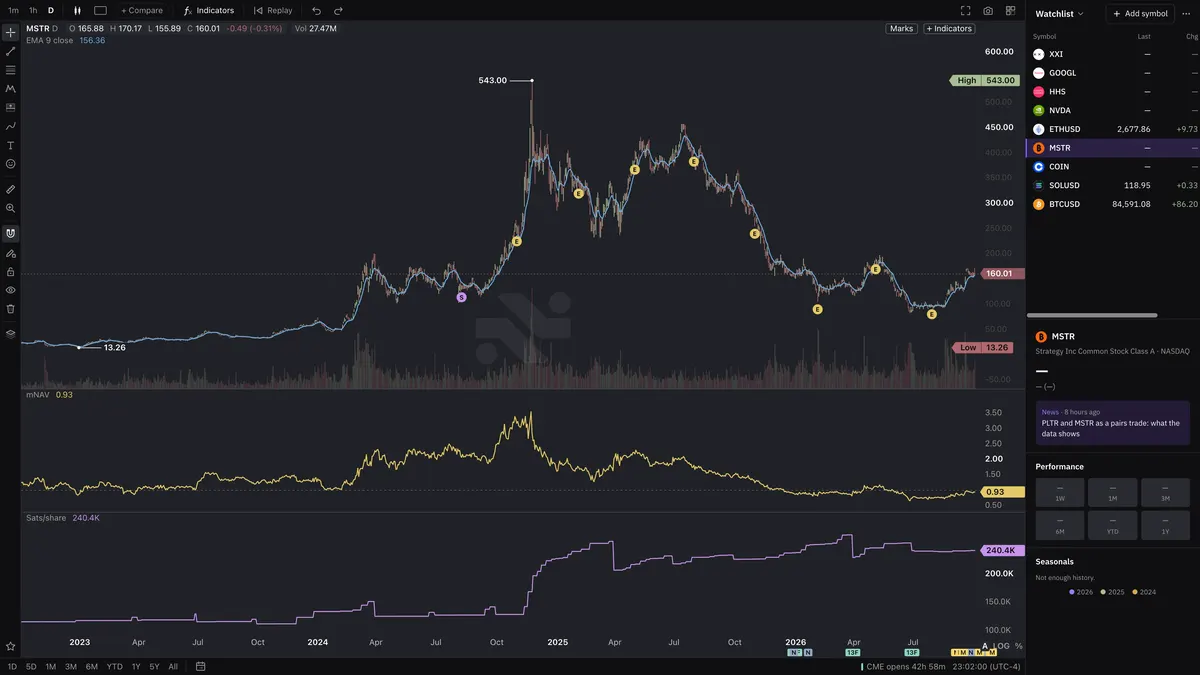
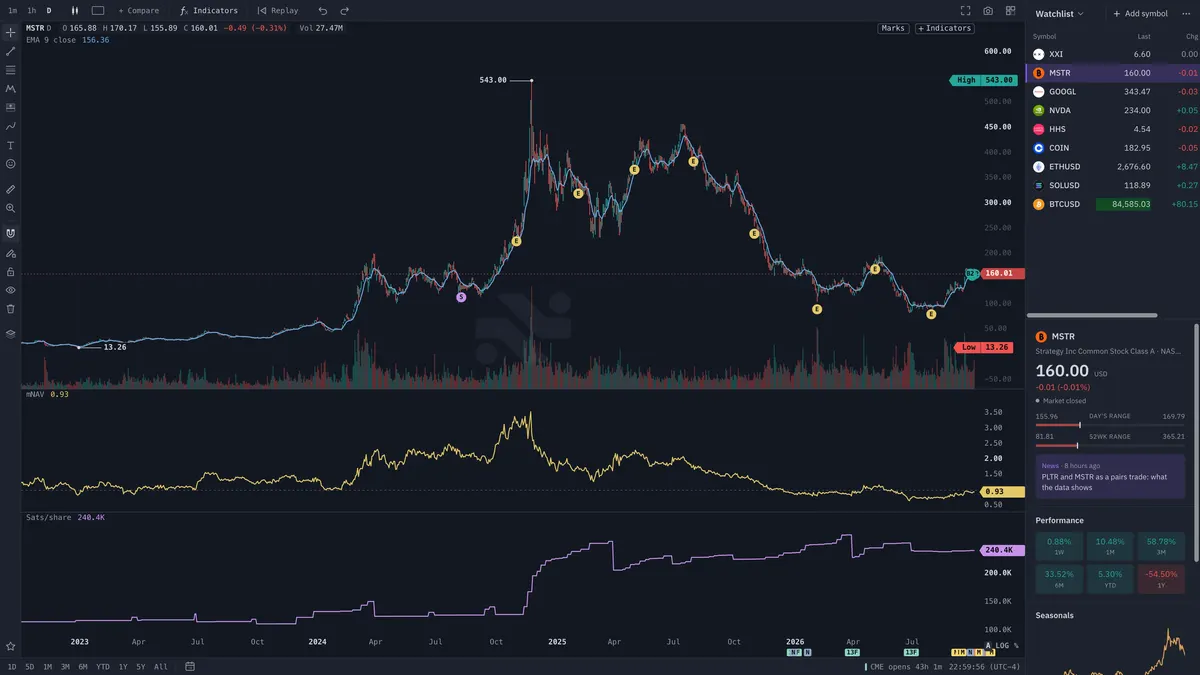
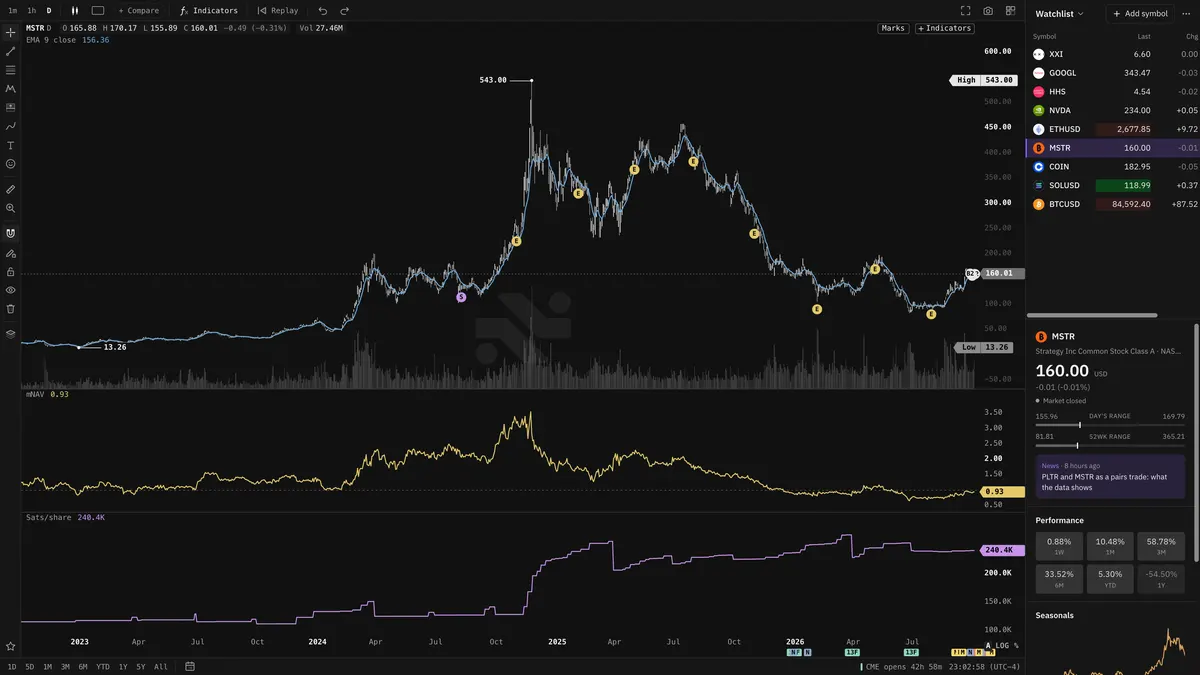
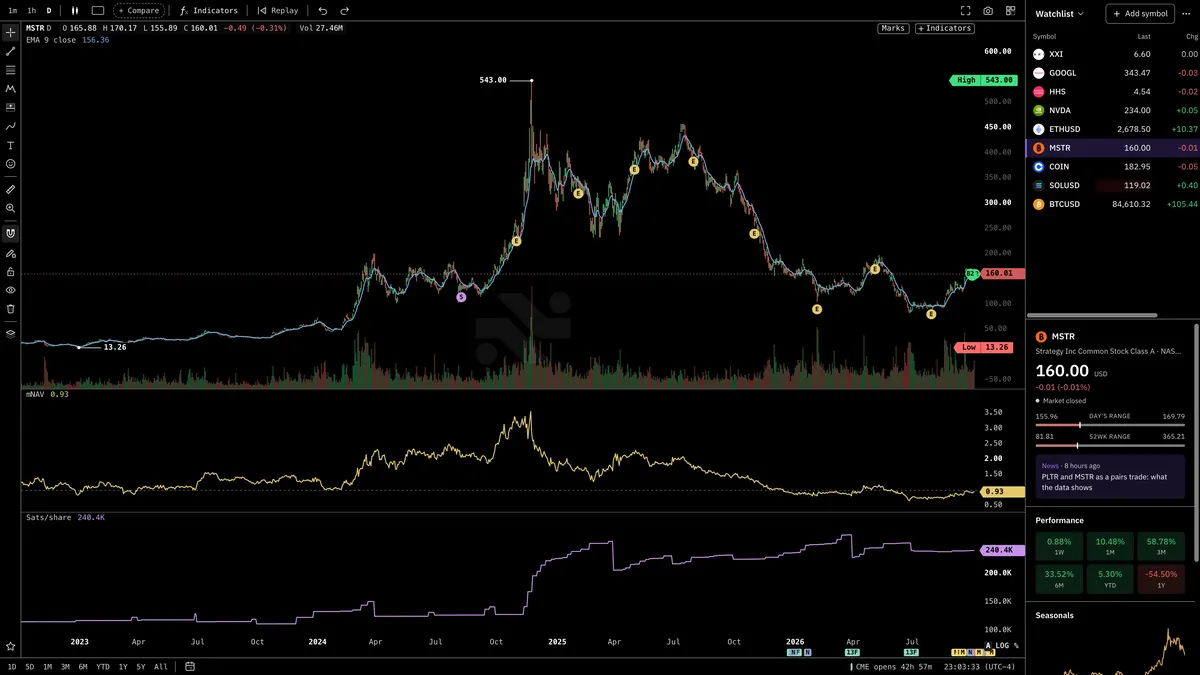
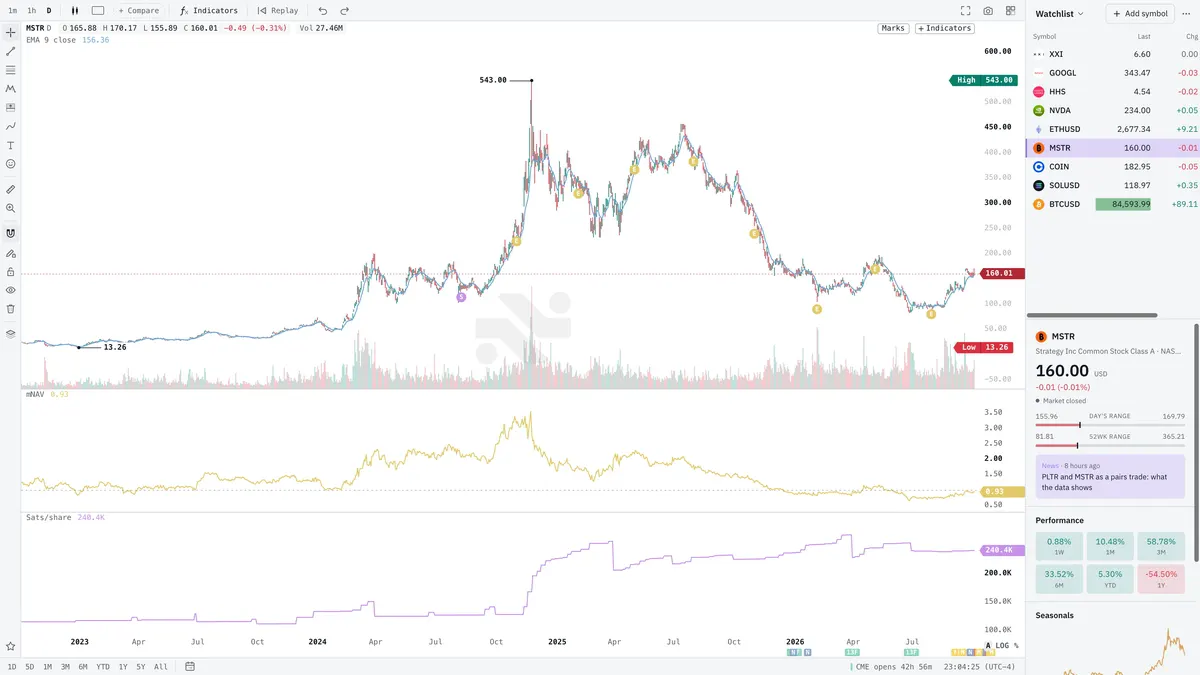
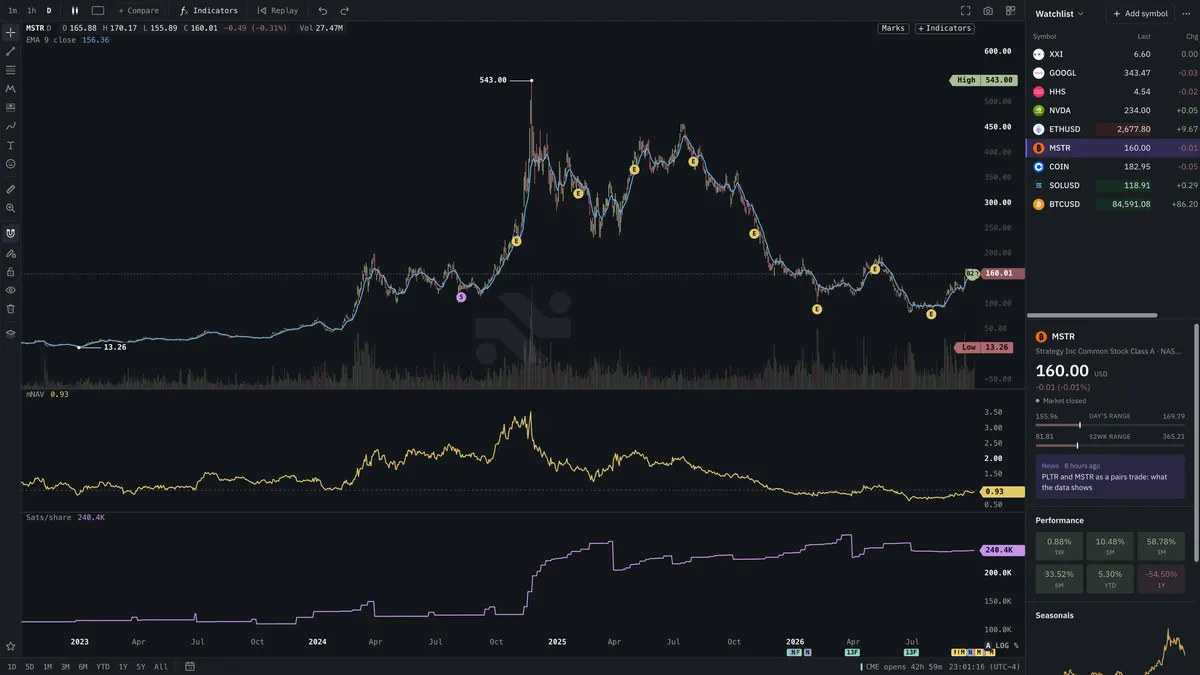
Roxom Charts: MSTR with mNAV and sats per share, next to a live watchlist
  • BTC81,220
  • ETH2,394
  • SOL103.76
  • SPY760.77▼0.42%
  • QQQ705.21▲0.10%
  • NVDA212.09▼0.06%
  • AAPL346.61▼0.46%
  • MSFT523.56▲0.48%
  • TSLA372.21▼0.63%
  • MSTR146.77▲0.66%
  • COIN164.39▼2.78%
  • STRC99.36▲0.72%
  • GLD366.24▼0.75%

Chart every venue

  • Roxom
  • Coinbase
  • Binance
  • Kraken
  • OKX
  • Bybit
  • Hyperliquid
  • Deribit
  • Kalshi
  • US stocks
  • FX
  • Indexes
  • Roxom
  • Coinbase
  • Binance
  • Kraken
  • OKX
  • Bybit
  • Hyperliquid
  • Deribit
  • Kalshi
  • US stocks
  • FX
  • Indexes

Split the screen sixteen ways, replay any session, draw by holding the mouse, then trade it from the chart itself.

The engine

Built from the engine up

Real screens from Roxom Charts. Drag, swipe or use the arrows.

DRAW

Drawing tools

Fibs, positions, pitchforks, Gann and more. Every tool snaps to price and time.
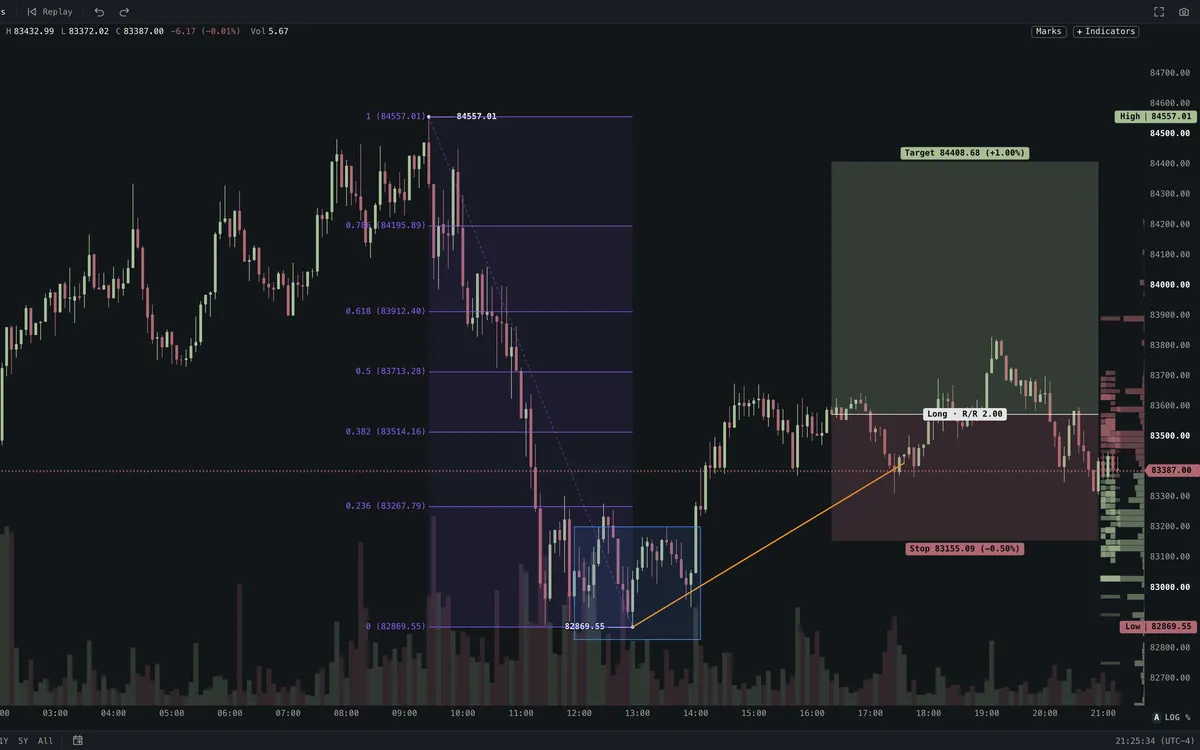
Drawing tools on a Roxom chart
IND

Indicators

234 studies, matched to TradingView's values bar for bar.
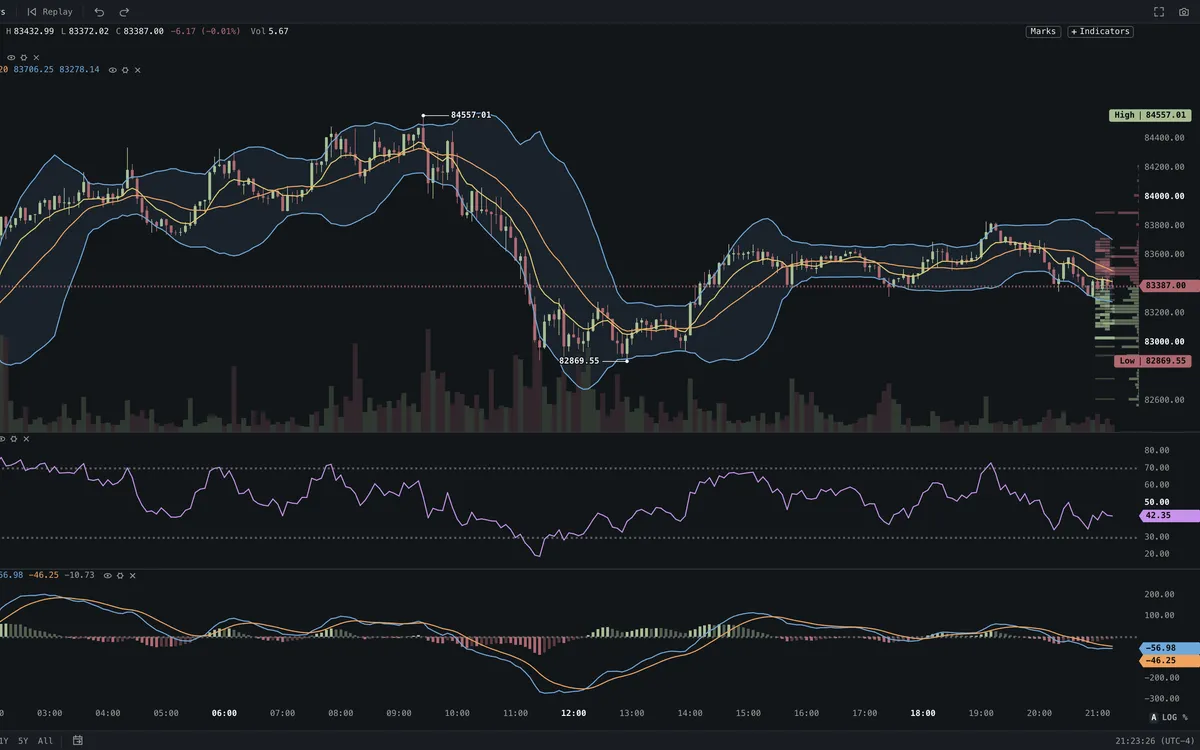
Indicators on a Roxom chart
LIB

Indicator library

Search, favourite and preview any study before you add it.
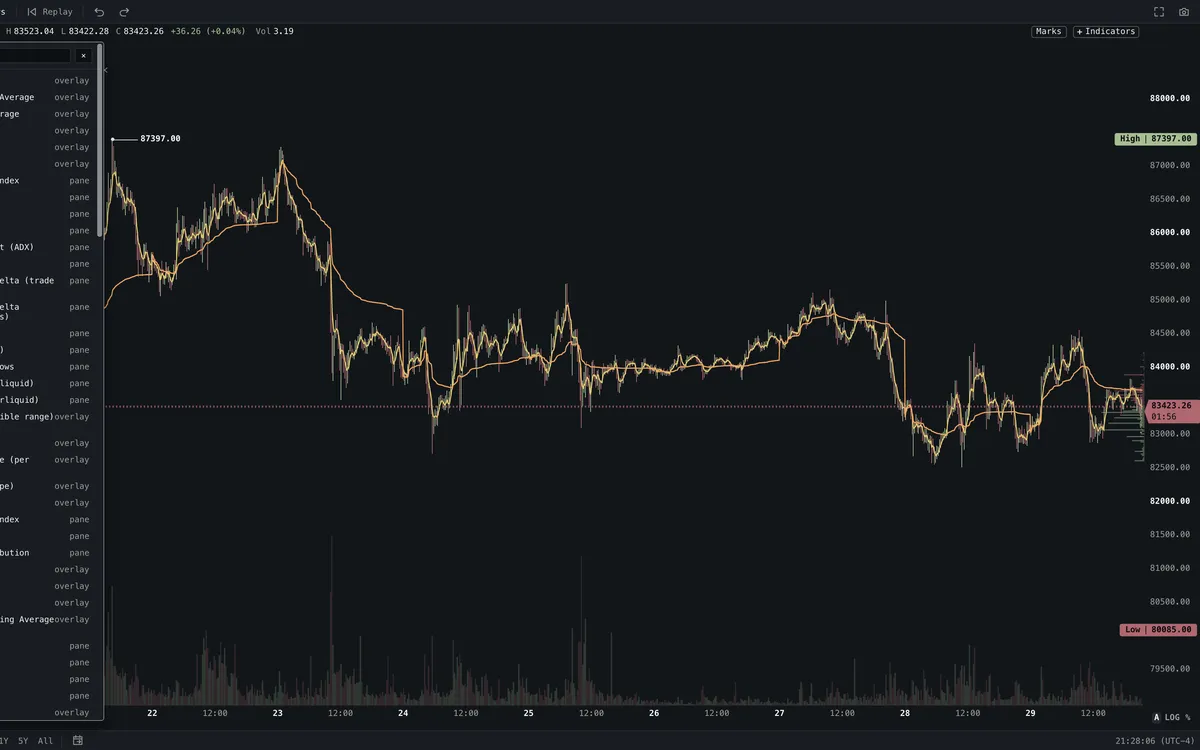
Indicator library on a Roxom chart
SPLIT

Split layouts

Up to 16 panes. Sync symbol, interval, crosshair and time.
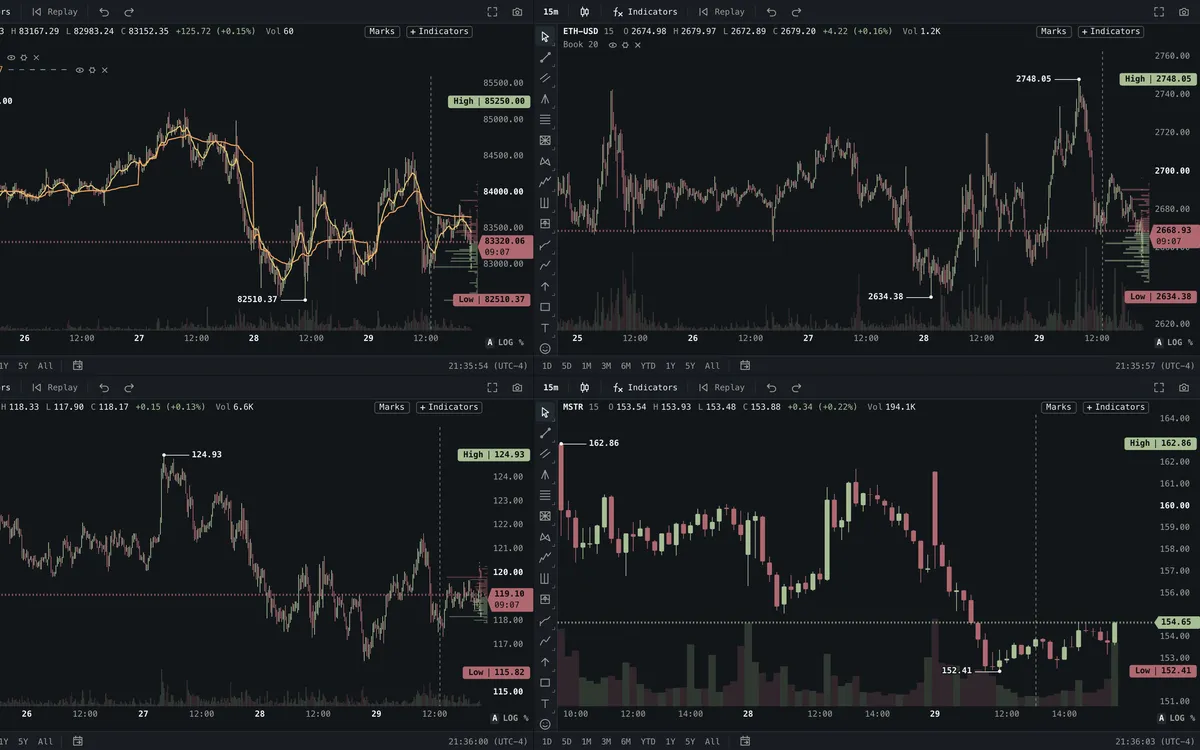
Split layouts on a Roxom chart
MNAV

Bitcoin treasuries

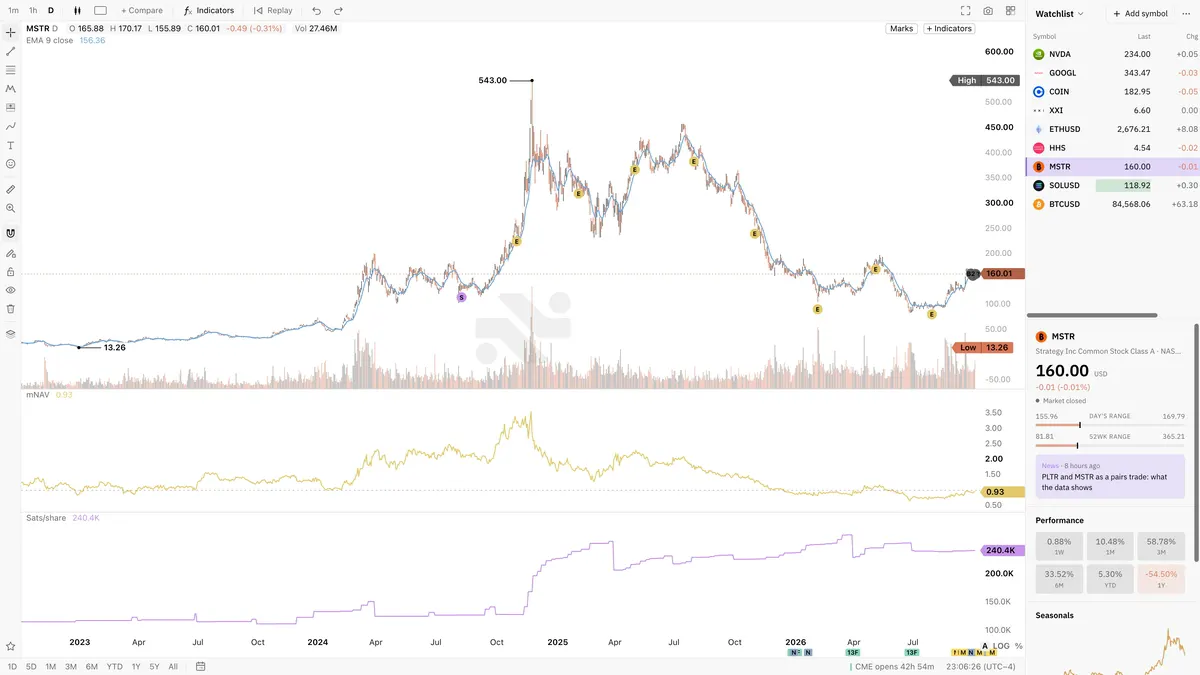
mNAV and sats per share under any treasury stock, with purchase marks.
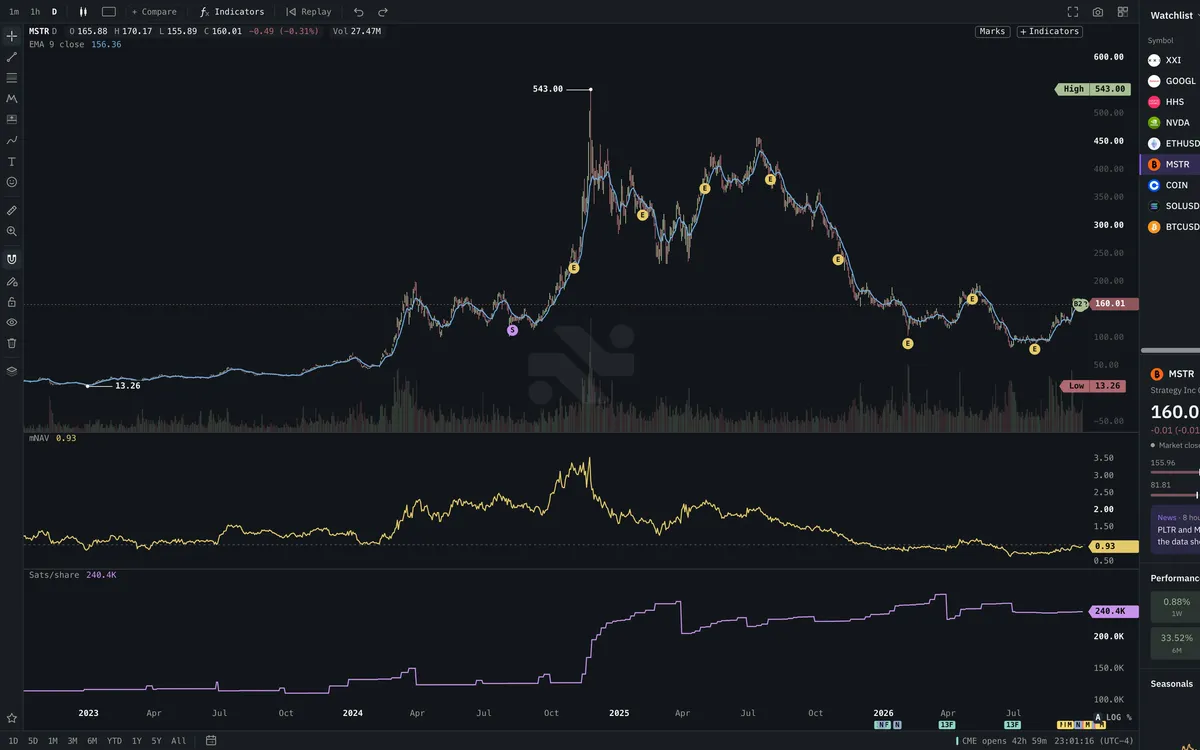
Bitcoin treasuries on a Roxom chart
RAIL

Tool rail

Grouped tools, Alt hotkeys and a quick bar for your favourites.
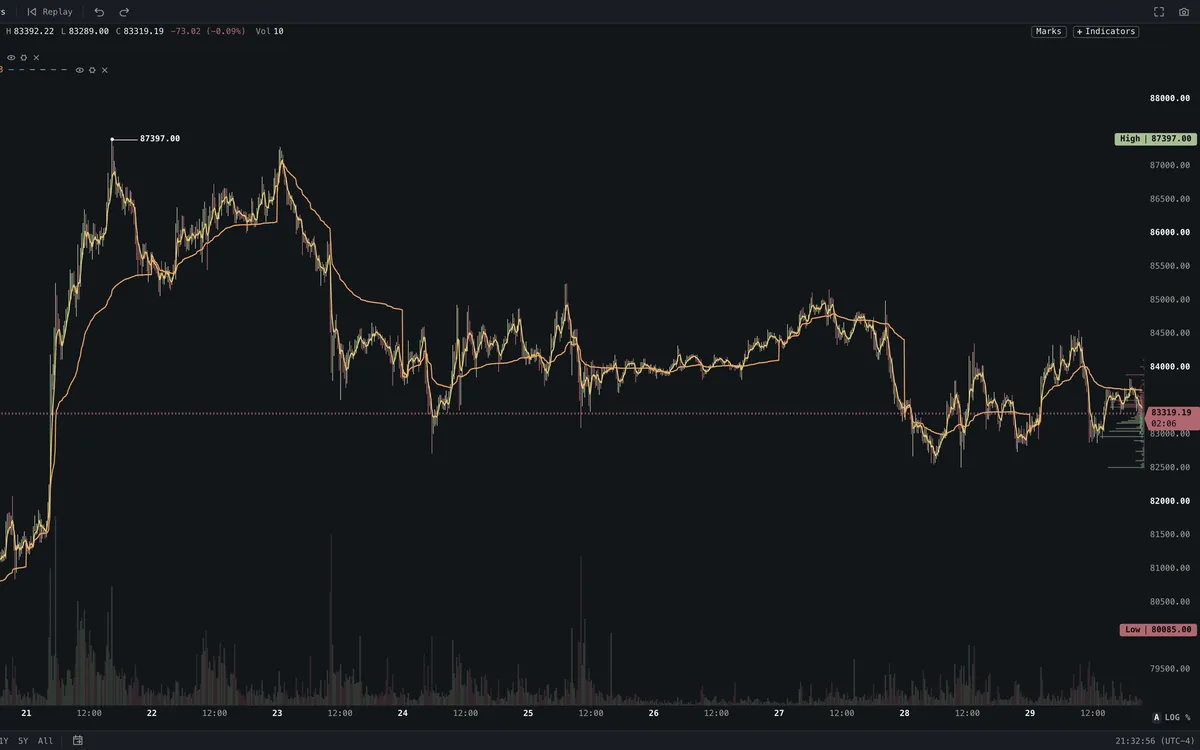
Tool rail on a Roxom chart
RENKO

Renko

Price-only bricks that filter out the noise.
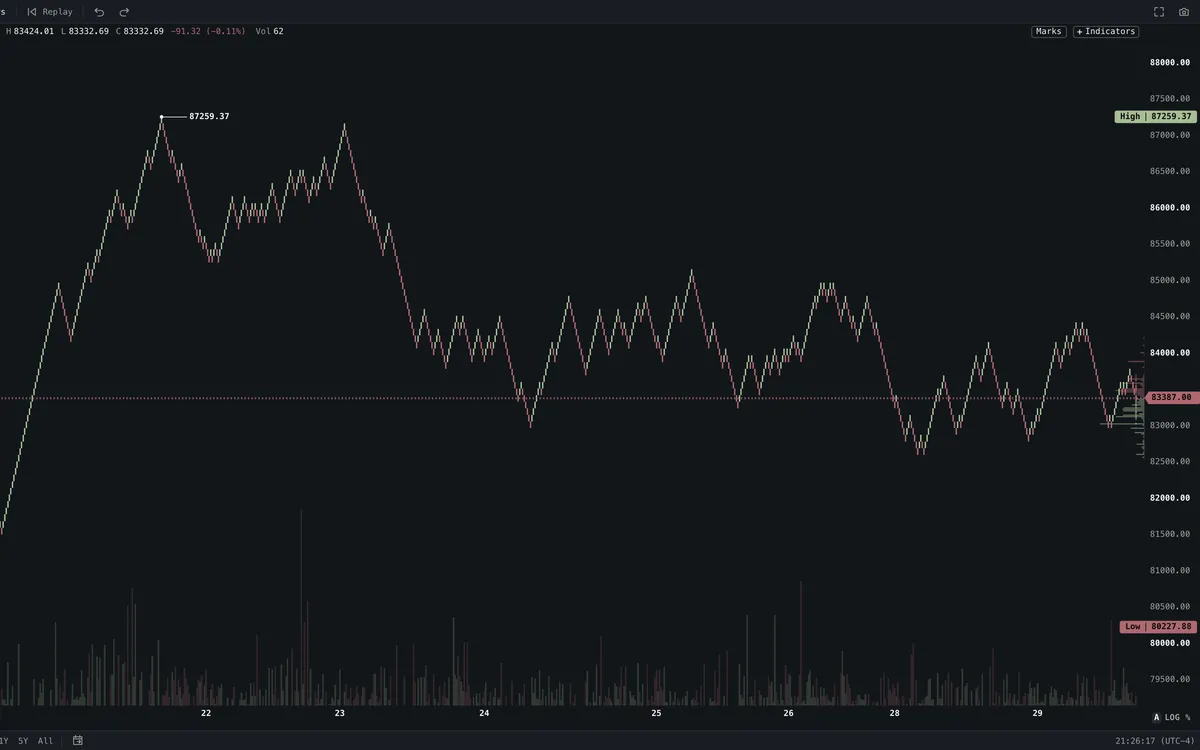
Renko on a Roxom chart
HA

Heikin Ashi

Smoothed candles that make trends easy to read.
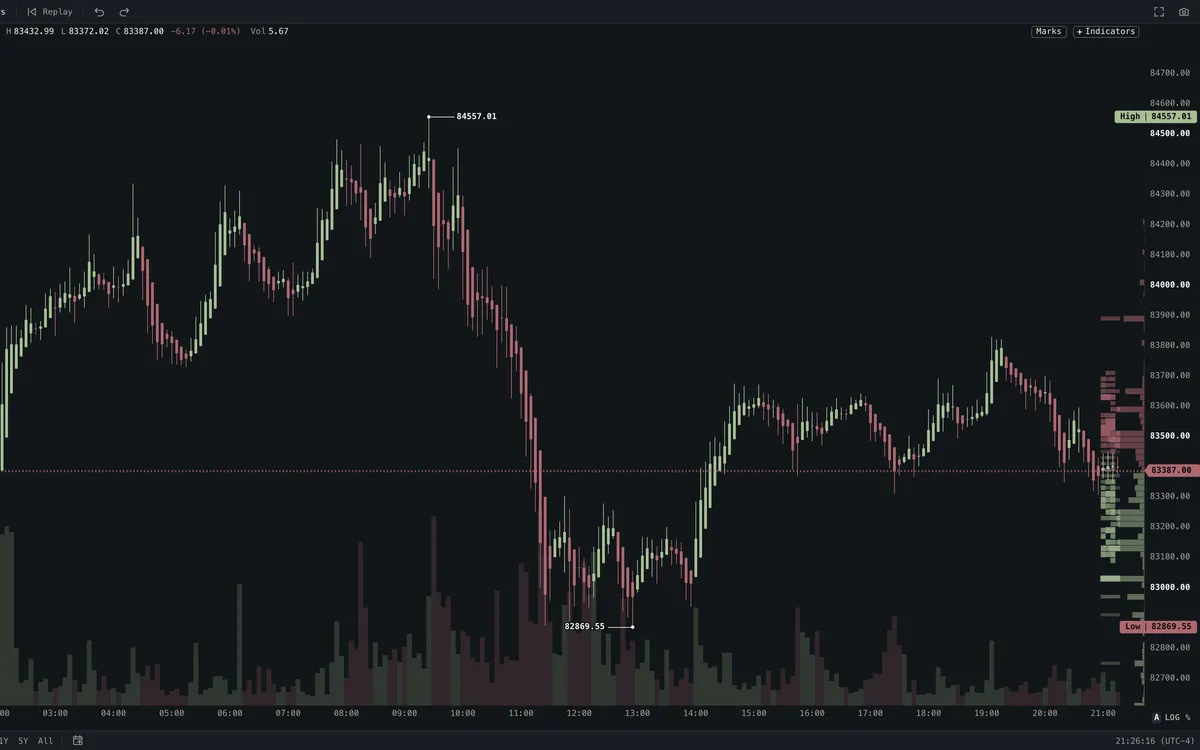
Heikin Ashi on a Roxom chart
AREA

Area

A clean line with a fill, for the long view.
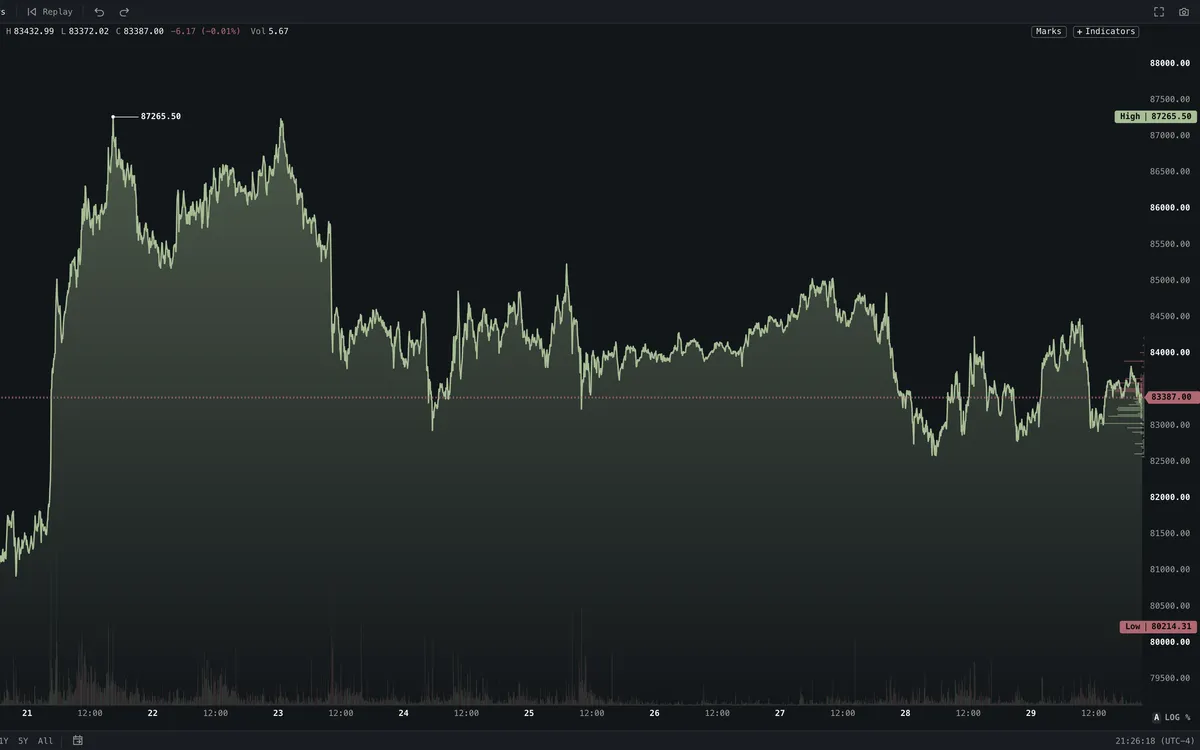
Area on a Roxom chart
01 / 09
How it works

Made for the keyboard

  1. 01
    NVDA

    Type a symbol

    Start typing on any chart. Pick a match and the pane loads it.

  2. 02
    /

    Add a study

    234 indicators, or import a Pine Script you already use.

  3. 03
    SPACE

    Walk your list

    Space steps through your watchlist. Every pane keeps its own drawings.

  • 19Chart types
  • 234Indicators
  • 90+Drawing tools
  • 16Panes in one layout

Analysis

Every tool you reach for.

  • 19 chart types, from candles to Renko, Kagi and point & figure
  • Volume profile, footprint, order-book heatmap and TPO
  • Compare symbols, replay any session bar by bar

Markets

Stocks, crypto and more.

  • US stocks with pre- and post-market sessions
  • Crypto, FX, commodities, indexes and options
  • Price any chart in dollars, bitcoin or sats

Execution

Act on what you see.

  • Buy and sell from the chart, with a review before every order
  • Your positions and fills drawn on the price
  • Price alerts set with a right-click
For builders

Code your own edge

The script editor is built in. Write an indicator, backtest a strategy, then share it with everyone else on Roxom.

Browse the script store
  • Write it in TypeScript

    A Pine-style API: inputs, ta.*, plots, fills, shapes and alerts.

  • Bring your Pine Script

    Paste a TradingView indicator and run it on any Roxom chart.

  • Backtest strategies

    Set capital, sizing, commission and slippage, then run it on any symbol.

  • Publish to the script store

    List indicators and strategies free or paid on the public store.

ma-cross.tsEDIT / INDICATOR
indicator({ title: "MA Cross", overlay: true });

const fastLen = input.int("Fast length", 9, { min: 1 });
const slowLen = input.int("Slow length", 21, { min: 1 });
const src = input.source("Source", "close");

const fast = ta.ema(src, fastLen);
const slow = ta.ema(src, slowLen);
const a = plot.line(fast, { title: "Fast", color: "#e4c96b" });
const b = plot.line(slow, { title: "Slow", color: "#6fa8dc" });
plot.fill(a, b, "rgba(111,168,220,0.12)");

Alert fired

Golden cross

BTC-USD · 1h · example

Fast

EMA 9

Slow

EMA 21

Plot

Overlay

Skins

7 skins. Pick yours.

The same chart, dark or light, quiet or loud.
  • The Roxom chart skin

    Roxom

  • The Quartz chart skin

    Quartz

  • The Classic chart skin

    Classic

  • The Mono chart skin

    Mono

  • The Contrast chart skin

    Contrast

  • The Light chart skin

    Light

  • The Paper chart skin

    Paper

The platform

Three products. One Roxom account.

Pro, Charts and the Roxom Exchange share one login, one data feed and one set of balances. Find it in one, trade it from any of them.

Roxom Pro

The keyboard terminal. Every function a mnemonic away, linked windows that follow one ticker, and layouts saved to your account.

Open the terminal
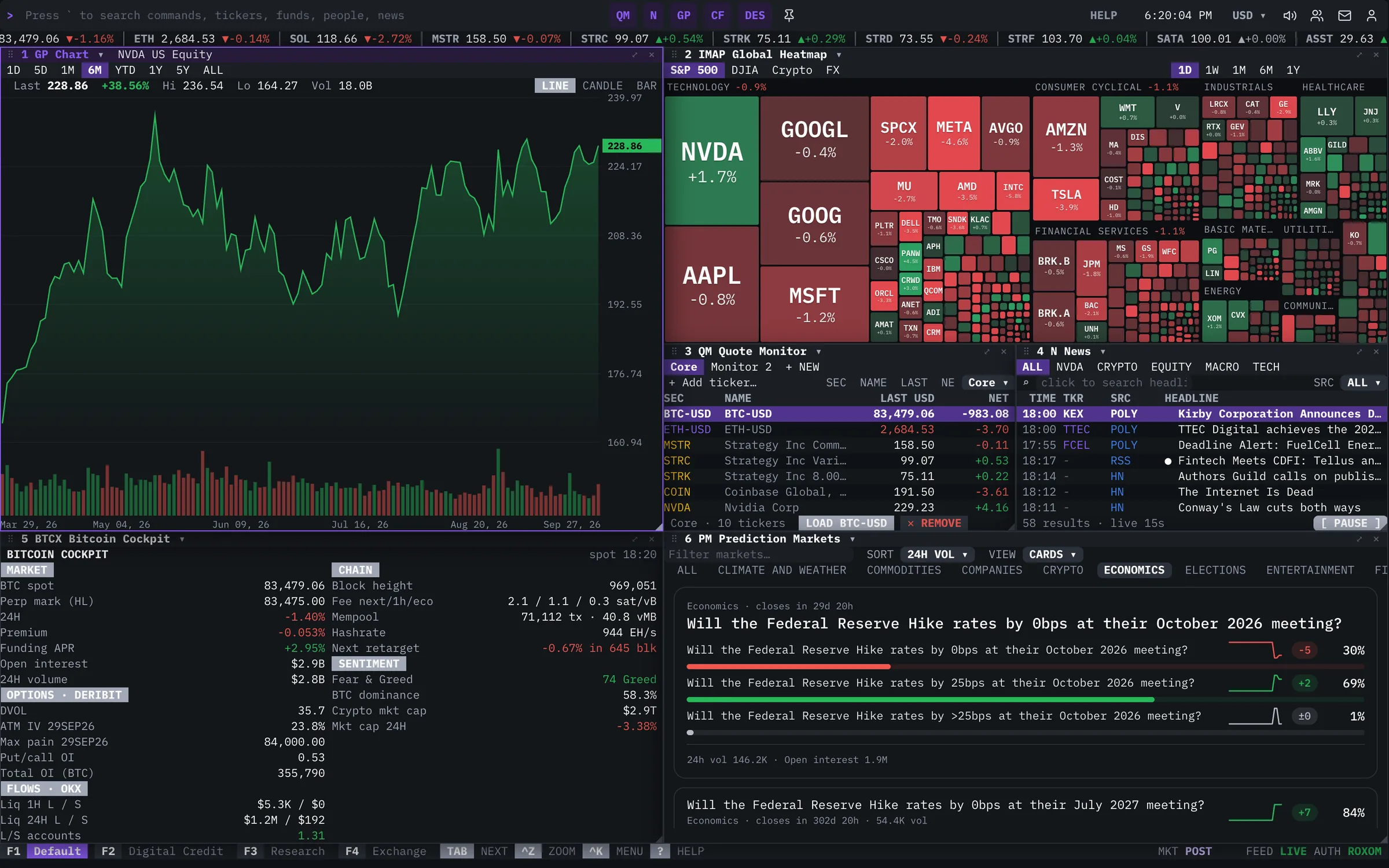
The Roxom Pro terminal on a desktop monitor

Roxom Charts

Our own charting engine. Split layouts, bar replay, drawings and indicators, priced in dollars, bitcoin or sats.

Explore Roxom Charts
Roxom Charts on a desktop monitor

Your Roxom account

Trade what you find without leaving the screen you found it on.

  • Spot and futures trading
  • Earn on your bitcoin
  • BLOC, the bitcoin-backed credit line
  • Deposits and withdrawals
Open the Exchange ›
Pricing

Charts come with Roxom Pro

Or free, if you hold $20,000+ at Roxom.

Roxom Pro

$30/ month

14-day free trial · card required

  • The full charting engine, every type and study
  • Workspaces saved to your account, on any device
  • The Roxom Pro terminal and all its functions
  • Trading on your Roxom account
Start free trial

Roxom clients

$0/ month

while you hold $20,000+ at Roxom · no card

Pro unlocks on its own when you qualify. No trial clock.

Deposit to qualify
FAQ

Questions people ask about Charts

The quick answers.

Your chart is ready.

Start your 14-day trial in under a minute.